Guides
How to Choose a Photo That Looks Great as Art
What makes a photo turn into great art: lighting, faces, group size, sharpness and shape, with fixes for the most common problems.
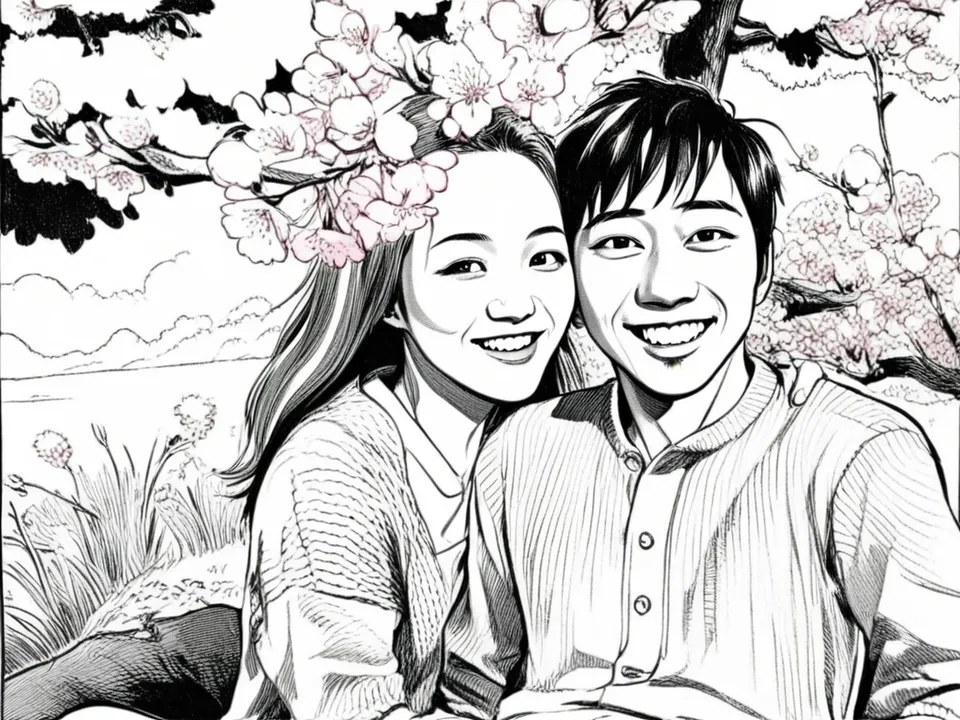
The same style can look stunning with one photo and just okay with another. The style isn’t the difference; the photo is. The good news is that you don’t need a professional shot. You need a photo with a few simple things going for it, and it’s probably already on your phone.
1. Light on the faces
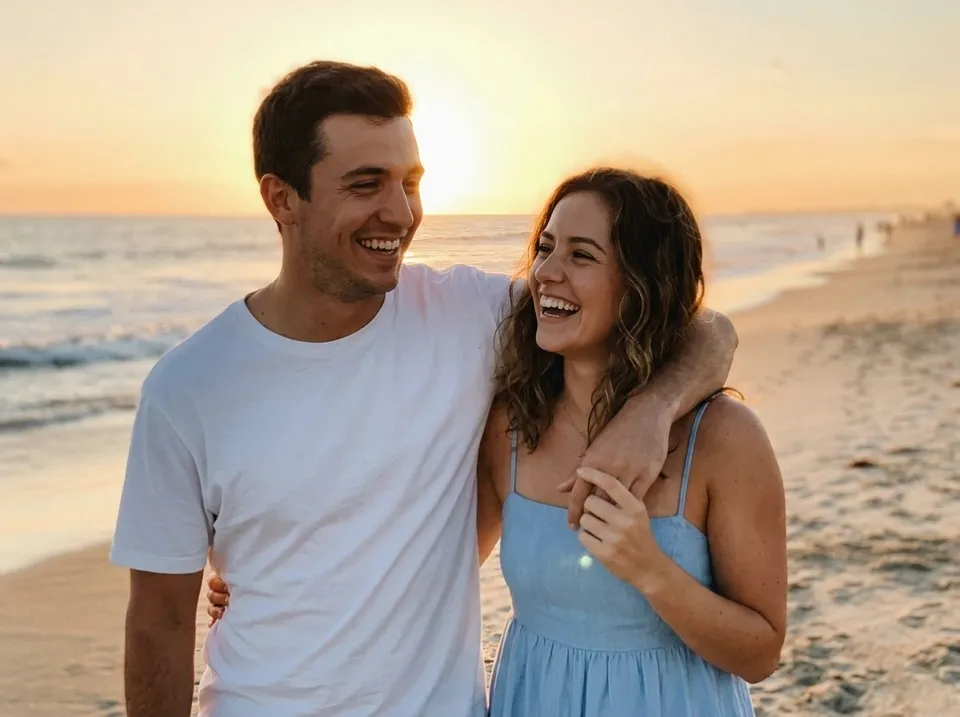
Lighting matters most. Every style redraws faces from what it can see, so a face in deep shadow or blown out by flash gives it little to work with.
- Good: outdoors in shade or on an overcast day, or indoors facing a window.
- Harder: strong backlight (a bright window behind someone), harsh overhead sun, dim rooms.
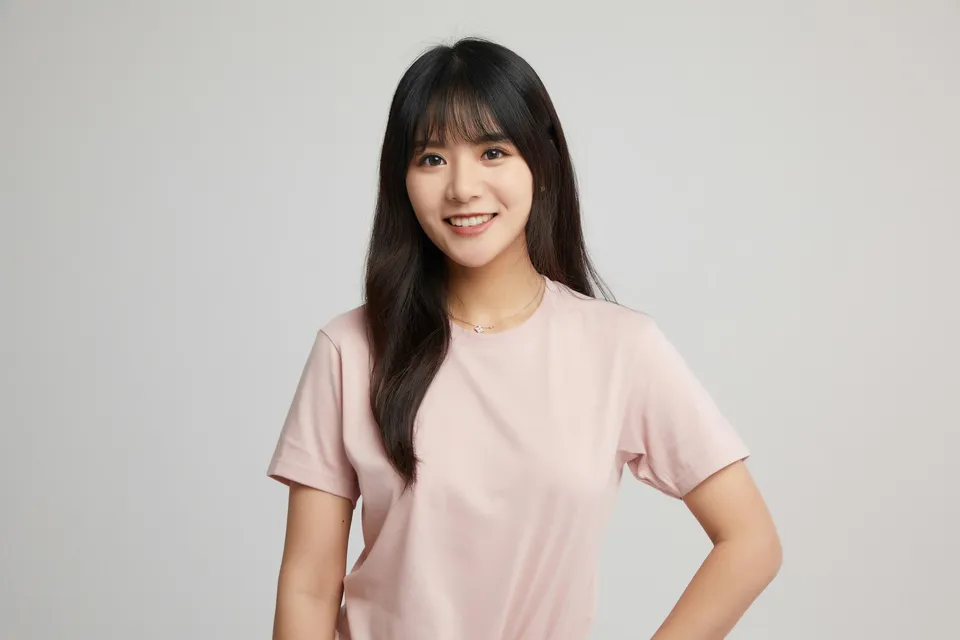
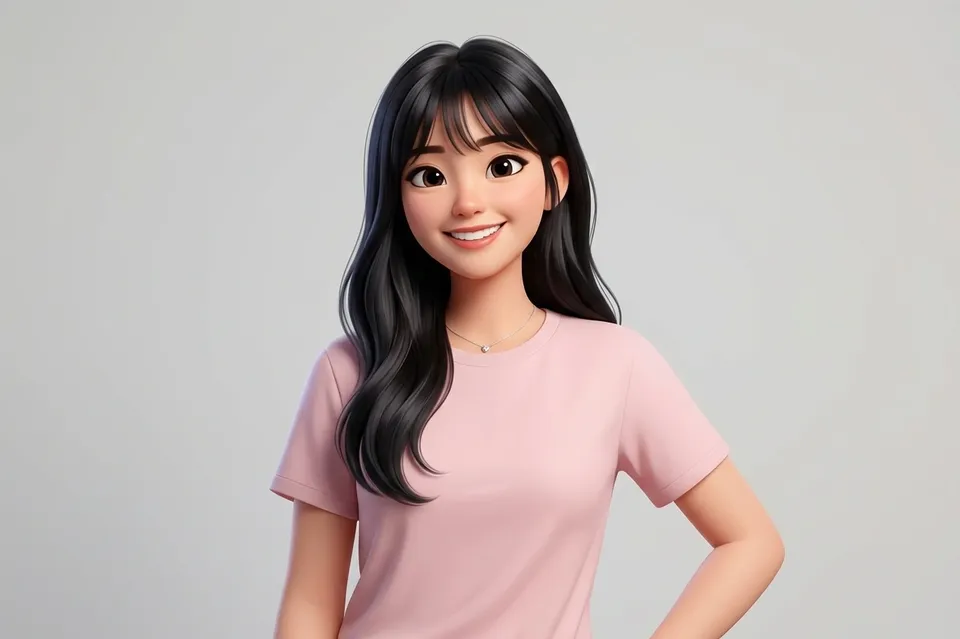
2. Faces you can see
Eyes, expressions and the shape of a face are what make a portrait look like the person. Sunglasses, hats pulled low, hair across the face and heads turned away all remove that information. For pets, a photo taken at their eye level with both eyes visible works far better than one from above.
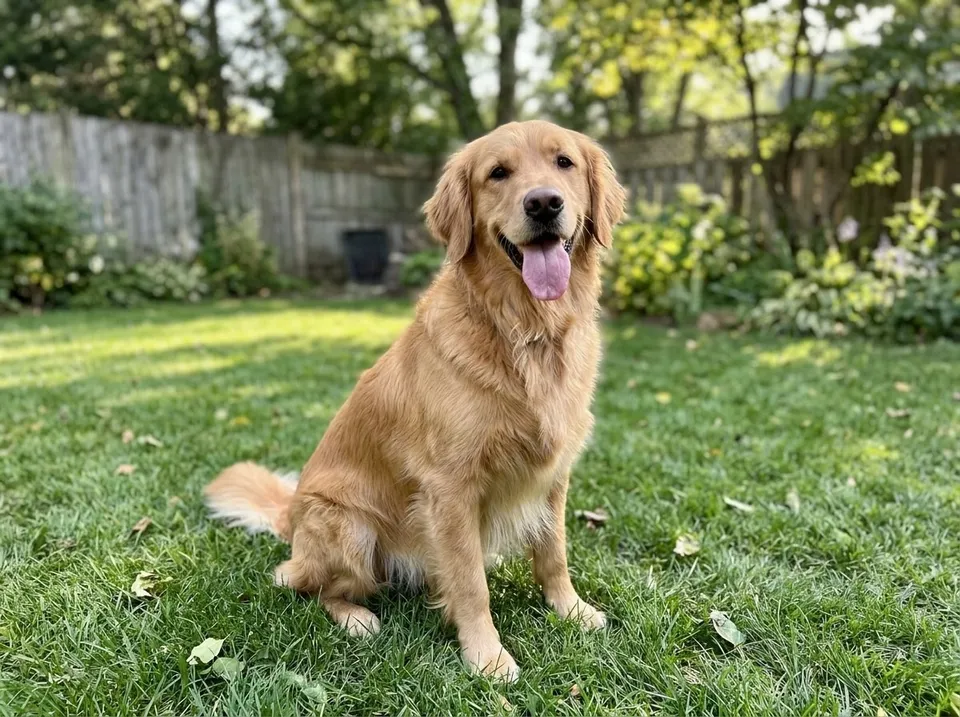
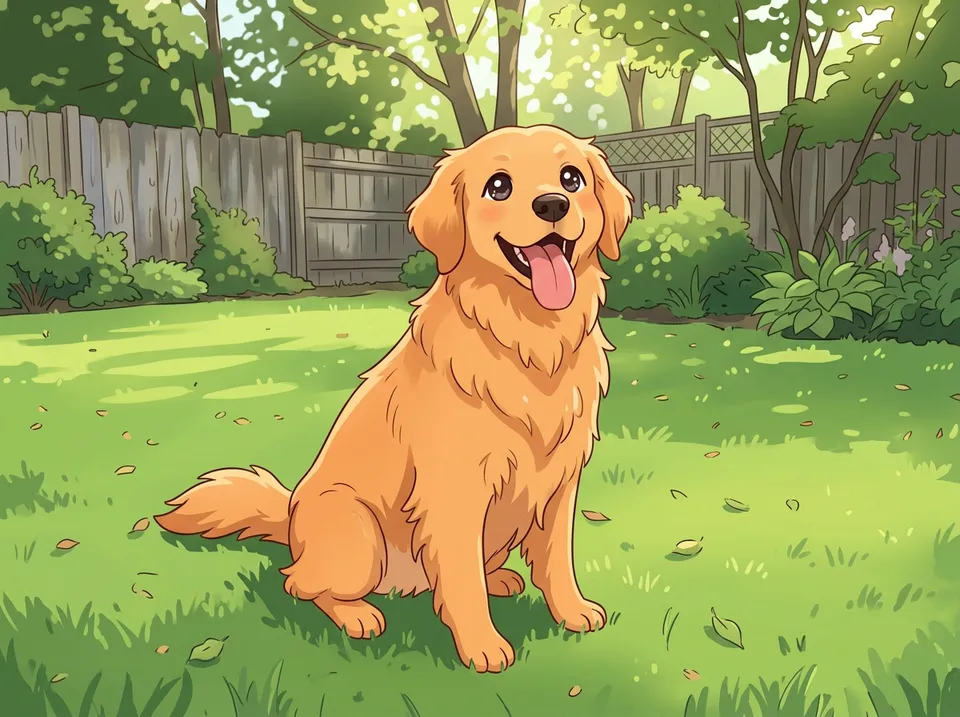
3. A small group
One to four people or pets is the sweet spot. Larger groups can work, but each face is smaller, so there’s less detail in each. For a big family photo, choose one where everyone is close together and close to the camera, and prefer a style that stays near the original, like Standard Watercolor.
4. Sharp, and not too small
Use the original photo from your camera roll where you can. Photos saved from social media or sent through messaging apps are often shrunk along the way, and screenshots are smaller still. Zoom in on the faces: if they’re soft or blocky before you start, they won’t get sharper.
5. Room around the subject
Products come in different shapes. A coaster is square, a puzzle is wide, and a canvas might be tall or wide. A photo with a bit of space around everyone can be cropped to fit any of them. One where heads touch the top edge can’t.
6. Match the photo to the style
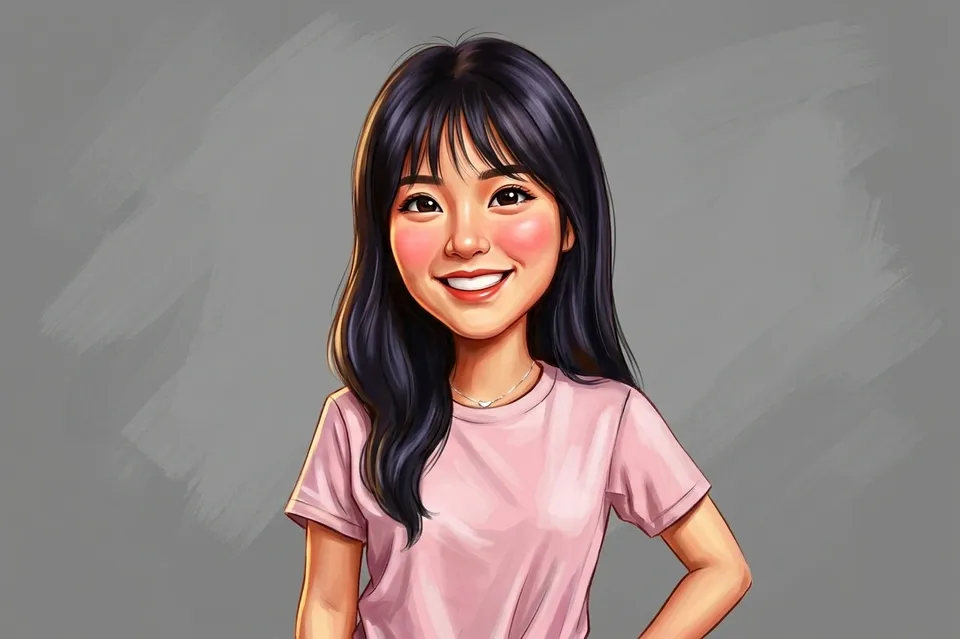
- Close-up portraits suit character styles like Cutesy Anime, Cartoon and Caricature.
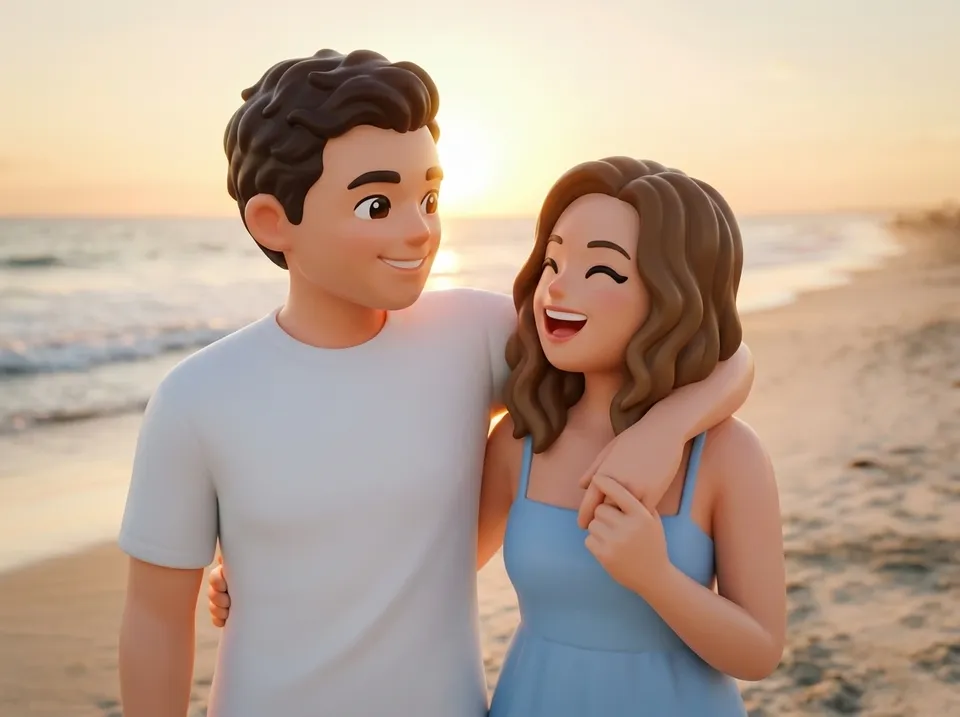
- Full-body photos suit styles that transform the whole figure, like Figurine, Bobblehead and Superhero.
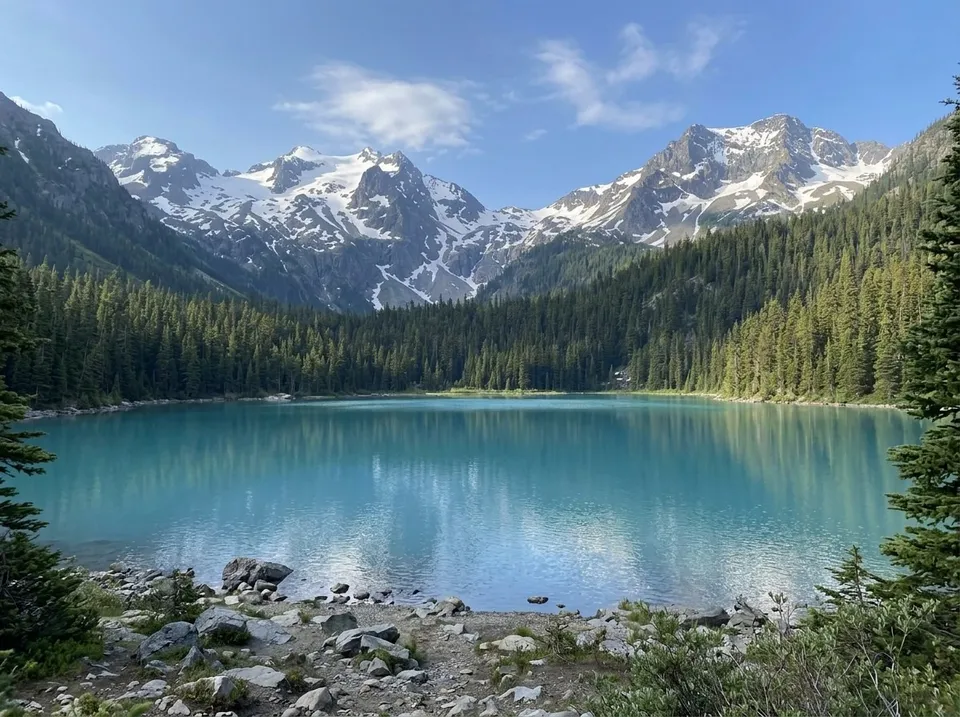
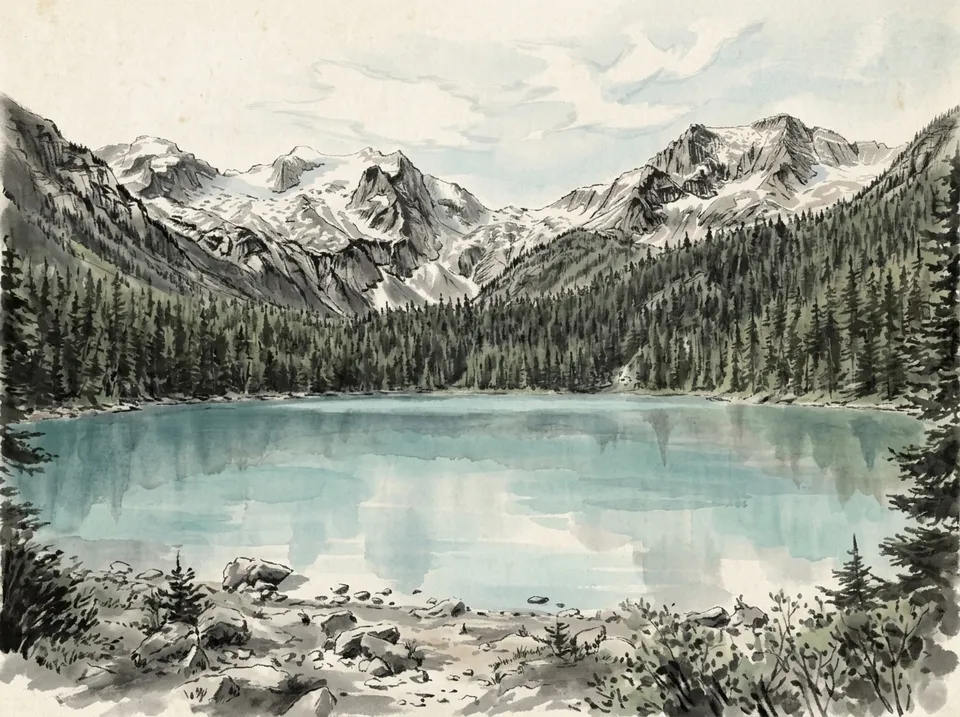
- Landscapes and travel photos suit painterly styles like Starry Night, Chinese Painting and Vintage Travel Poster.
Common problems and quick fixes
- Someone doesn’t look like themselves. Try a photo where their face is larger and better lit, or a style that changes less.
- A dark pet is a dark blob. Use a photo taken in brighter light, against a lighter background.
- The result feels cluttered. Crop the photo closer to the subject before uploading it.
- You can’t decide between two photos. Try both. Your first previews are free, and each one takes under a minute.
Try before you commit
The demo shows sample photos in every style, which is a quick way to see how each one treats faces and backgrounds. When you’re ready, pick a style and upload your own. You’ll see the preview on every product before you order, and a person checks every image before it’s made.